


 eddielkainjr
I updated to Virtual DJ 2026 and now it wont recognize the internal soundcard. Works just fine when controller is connected. I restarted and changed the audio settings but still nothing. I also tried the exclusive access option & still doesnt work.
I installed the VDJ2026 on my other laptop without any issues. Any ideas on how to fix this. If not, how can I roll VDJ back to previous version? thanks in advance for your assistance.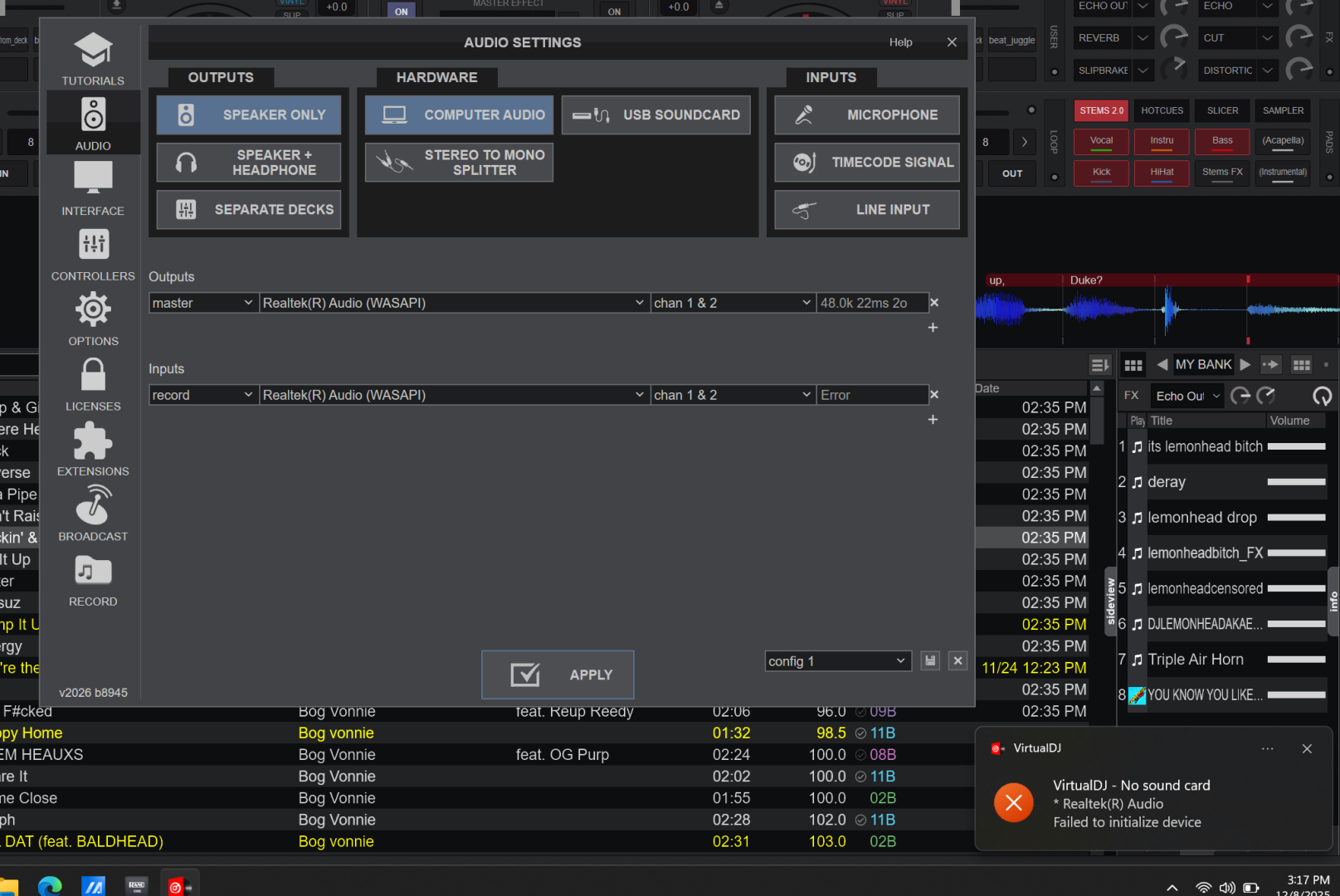
I installed the VDJ2026 on my other laptop without any issues. Any ideas on how to fix this. If not, how can I roll VDJ back to previous version? thanks in advance for your assistance.
Posté Mon 08 Dec 25 @ 10:20 pm
 PhantomDeejay
I believe the "failed to initialize" message derives from the fact that you have defined a sound input on your audio config (for recording) without it providing any input channels (most likely because there are not any at this point)
Remove the recording input and try again
Remove the recording input and try again
Posté Mon 08 Dec 25 @ 10:28 pm
eddielkainjr
That was a screenshot of one of the many things I tried. Since then I removed the input altogether and still nothing. Now it doesnt even give me the "failure" message. Still no sound. I opened the sound settings and it shows virtual dj there but still no sound.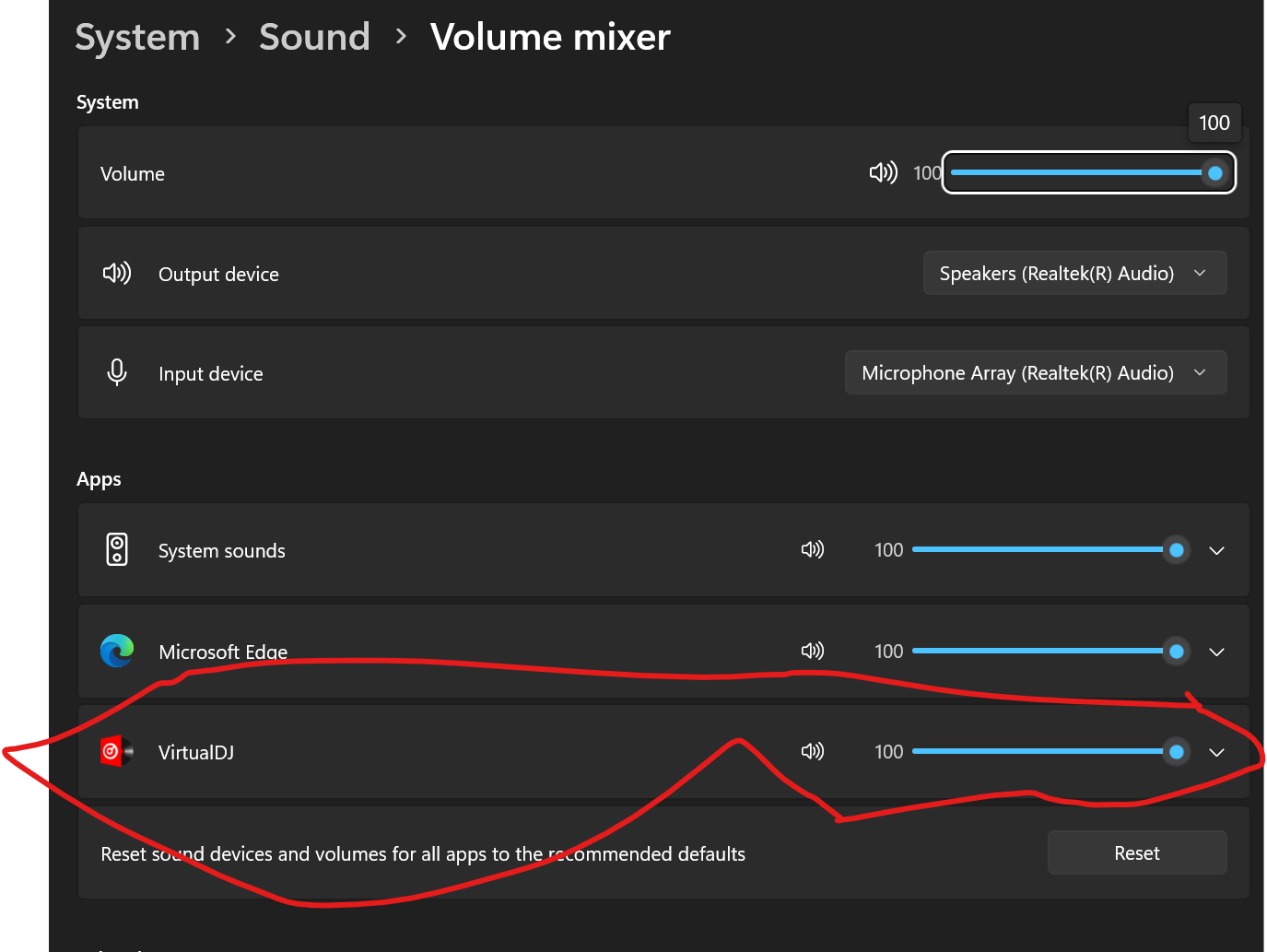
Posté Mon 08 Dec 25 @ 10:42 pm
PhantomDeejay
Can you post a screenshot further down the same Windows settings page ?
Posté Mon 08 Dec 25 @ 10:51 pm
eddielkainjr
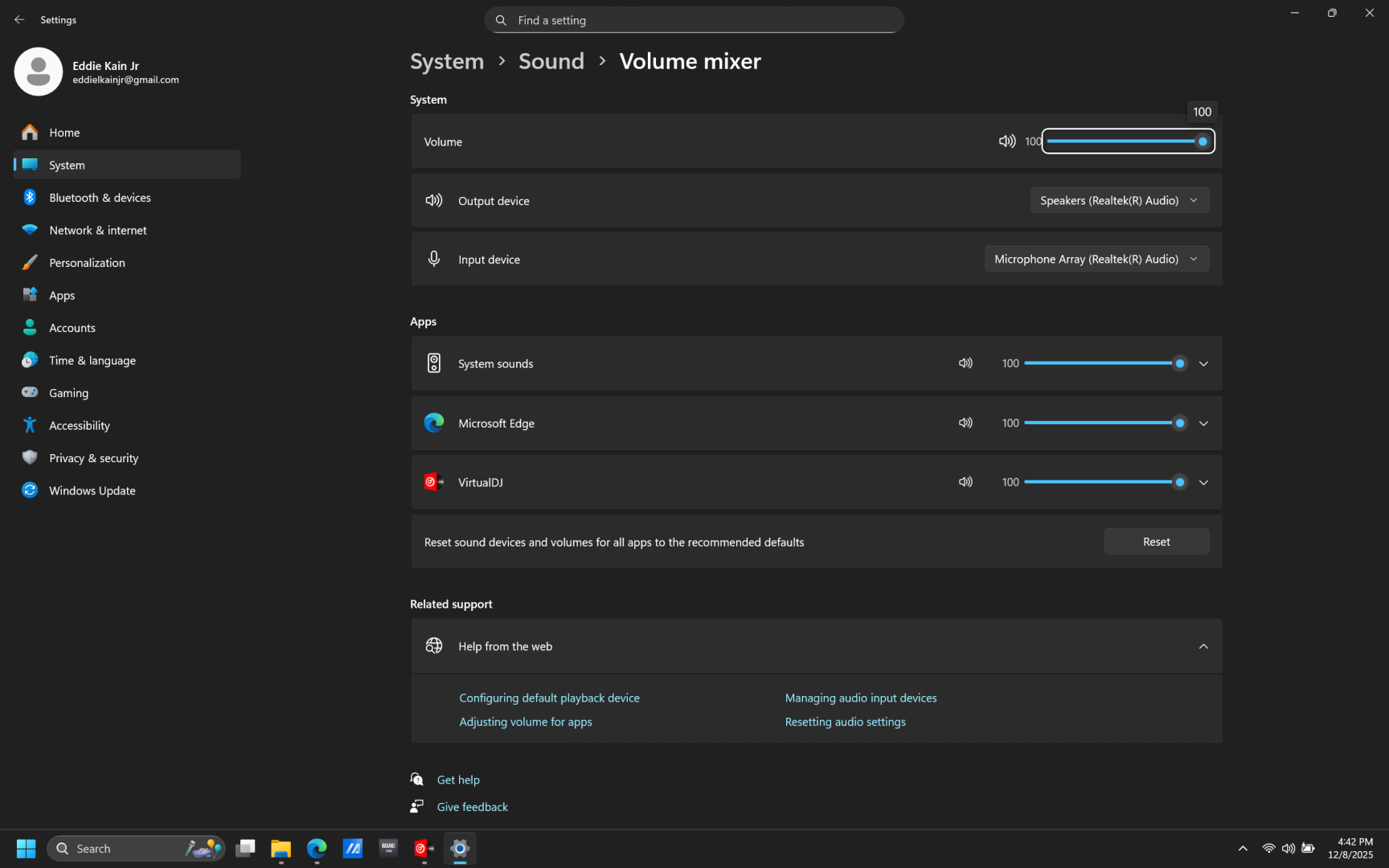
Posté Mon 08 Dec 25 @ 11:44 pm
 djdad
djdad
Can you check in Task Manager if an instance of VDJ is still running in the background ?
Posté Tue 09 Dec 25 @ 12:13 am
eddielkainjr
I believe I figured it out. This was switched to on for some reason. I didn't even know it existed but soon as i turned it off the sound immediately came back on. It seems to be working so far. If that changes, I'll add to this post. Thanks to everyone who tried to help.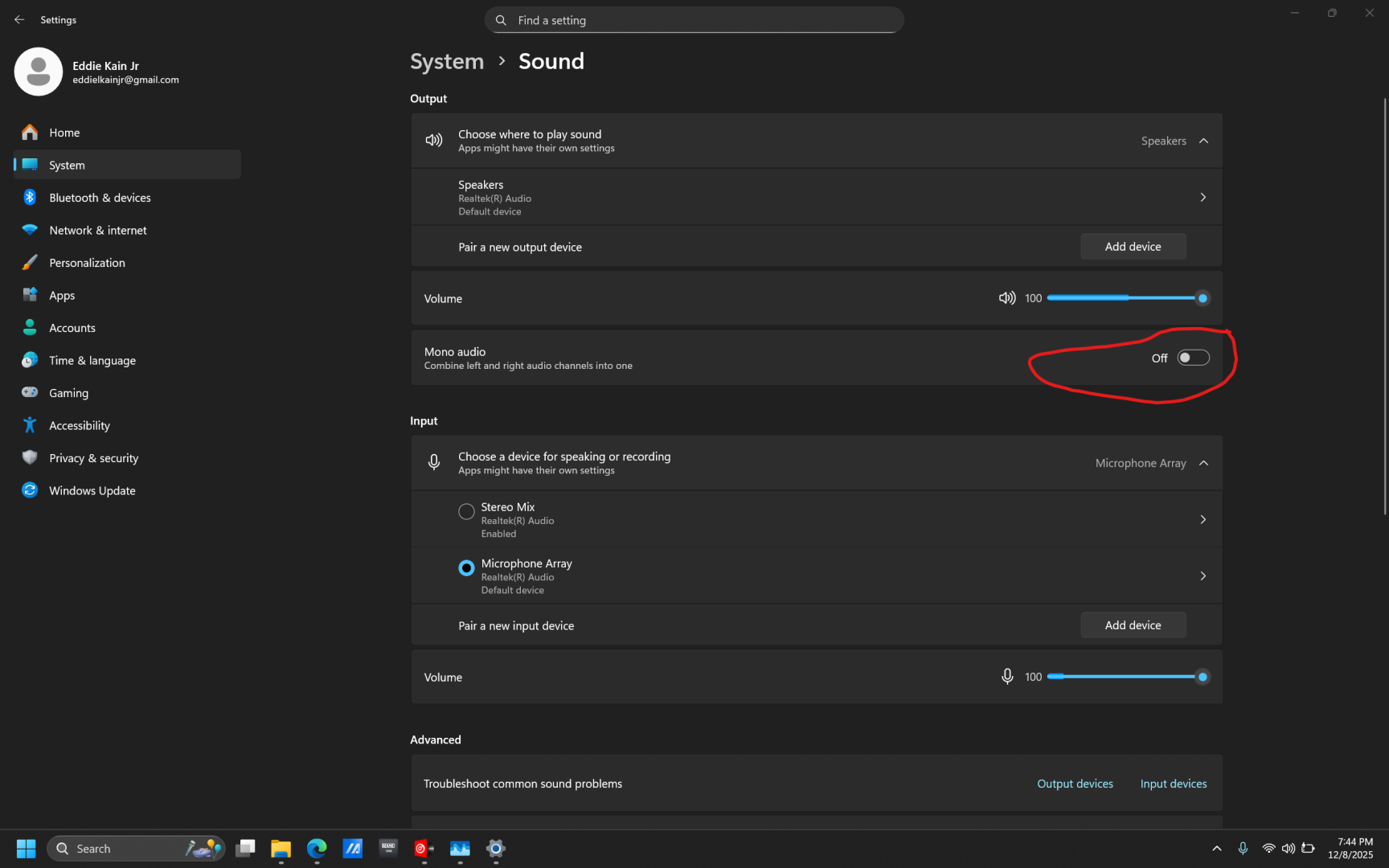
Posté Tue 09 Dec 25 @ 2:47 am